Learning Management
System
See online
- UX Research
- Design System
- Mobile
- Jira
- Figma
- Claude
- FigJam
- Miro
- Product Design
Note: Due to the NDA, the project name and branding details have been anonymized.
In this project, I was responsible for the entire design process, including decision-making and collaboration with business stakeholders and developers. Beyond the scope presented in this case study, I designed many more processes within the application. I was involved in the project through the MVP phase and further product development.
1. Project challenges
Key problems to solve
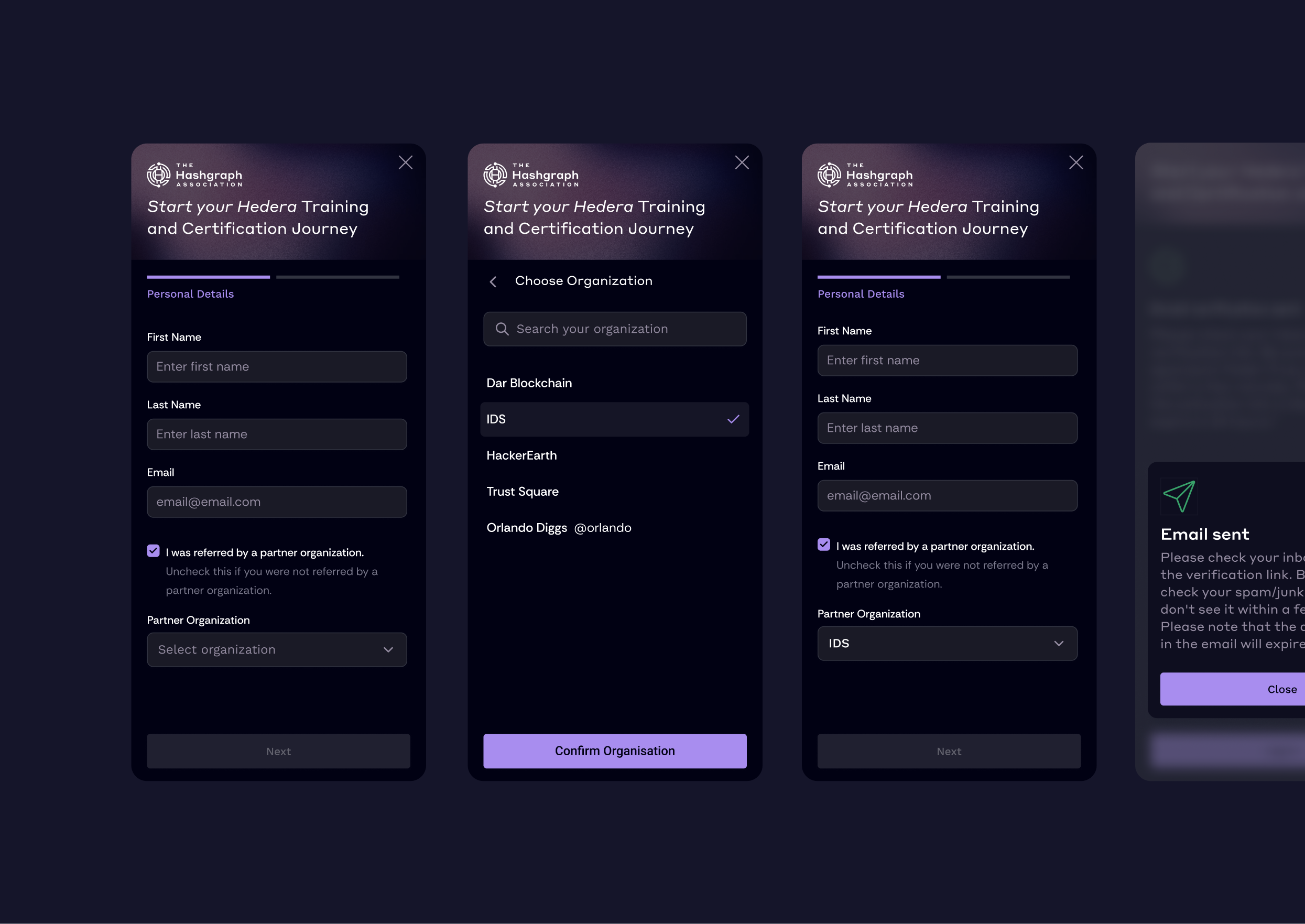
- Designing a registration process using referral codes to correctly assign learners to an organization or university.
- Wallet connection dependent on location, as not every wallet works in every country. Designing guided wizard support.
- Low familiarity with blockchain processes such as NFT minting and wallet connection. Introducing contextual educational pop-ups to support users.
- Designing UX logic for course and certification progression: course completion and exam pass as prerequisites for unlocking the next level, plus course card states and proper status notifications.
2. UX process
1. Market research
- Analysis of existing solutions (LMS, certification, blockchain).
- Identification of onboarding and user progression patterns.
- Analysis of methods for simplifying complex processes.
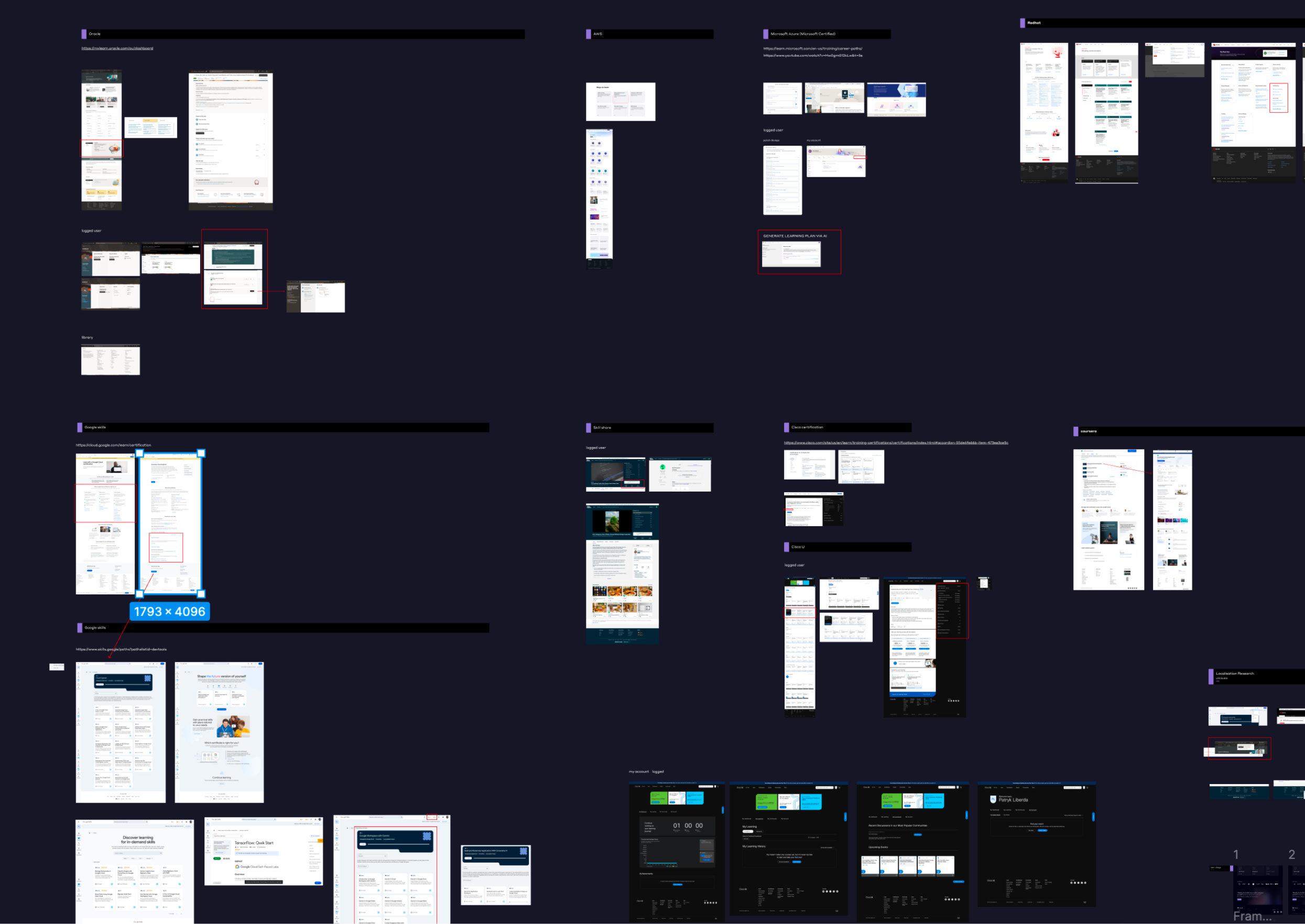
2. User flow + expert review
- Creating initial user flows for key user paths.
- Iterative development and refinement of flows.
- Aligning solutions with business, DevOps, and the architect while ensuring consistency with product goals.
- Validation through UX expert reviews.
- Identifying usability issues and friction points.
3. Implementation stage
- Analyzing user behavior (Google Analytics).
- Collecting direct bug and issue reports.
- Iterative product improvements based on data.
3. Design process
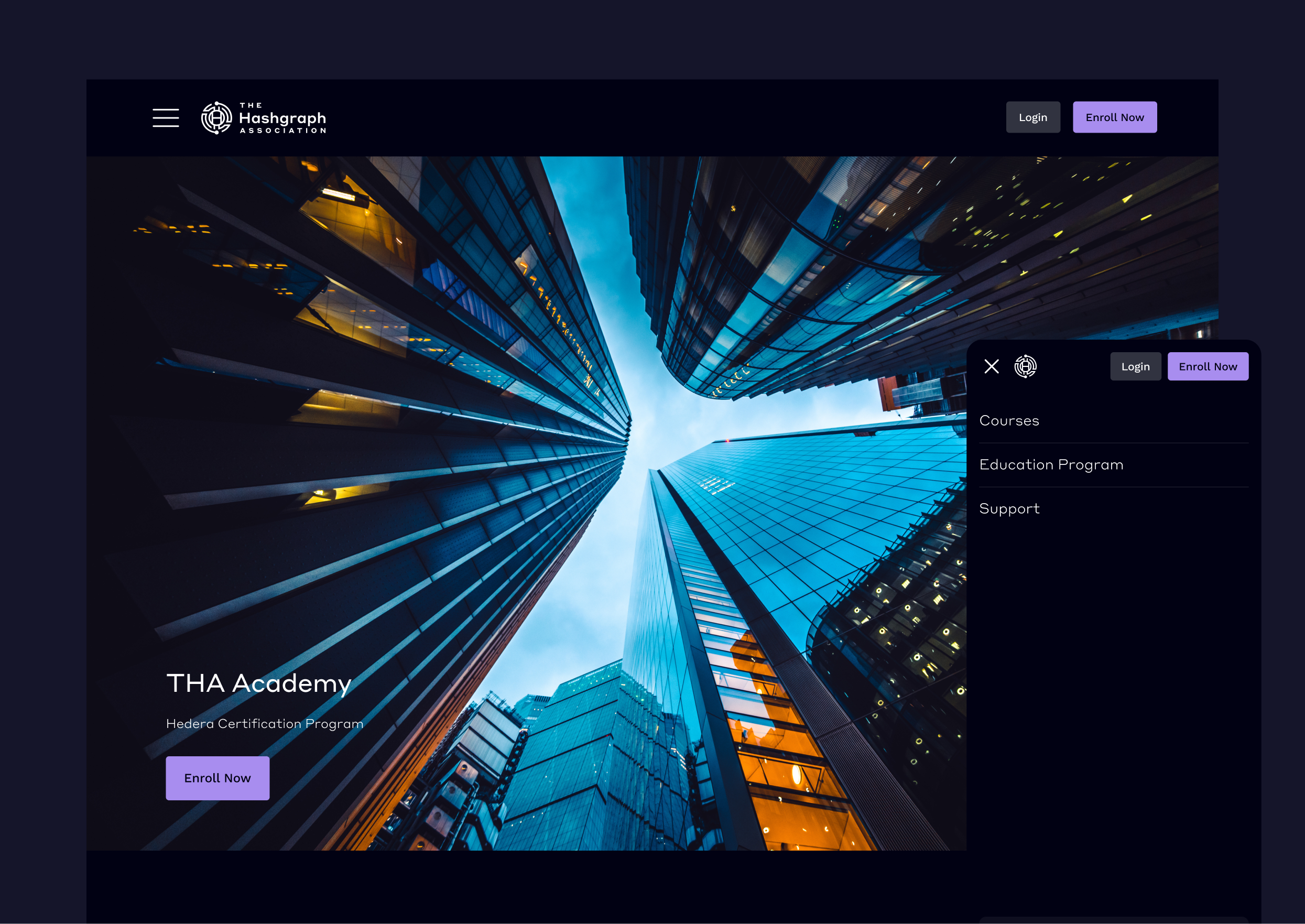
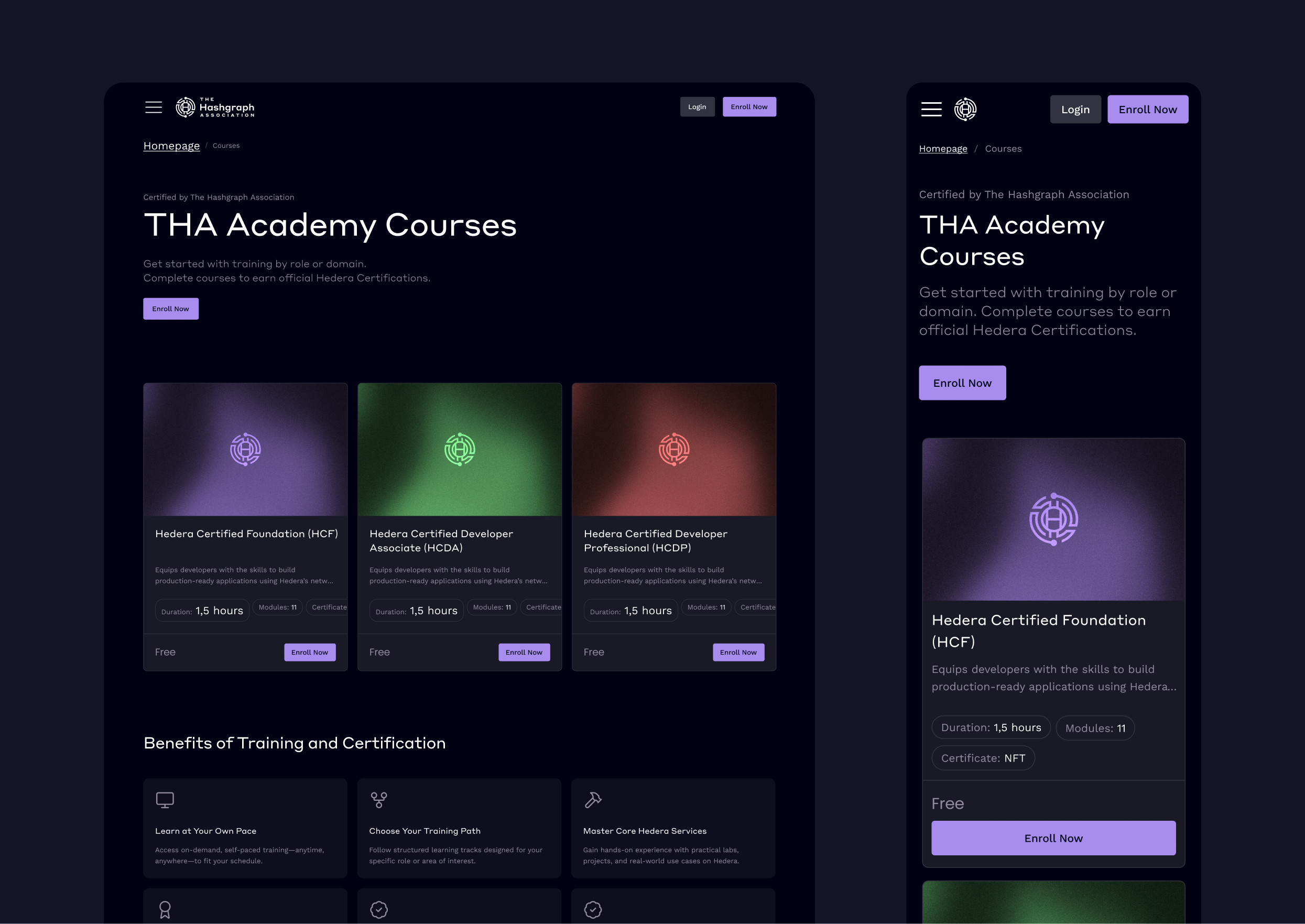
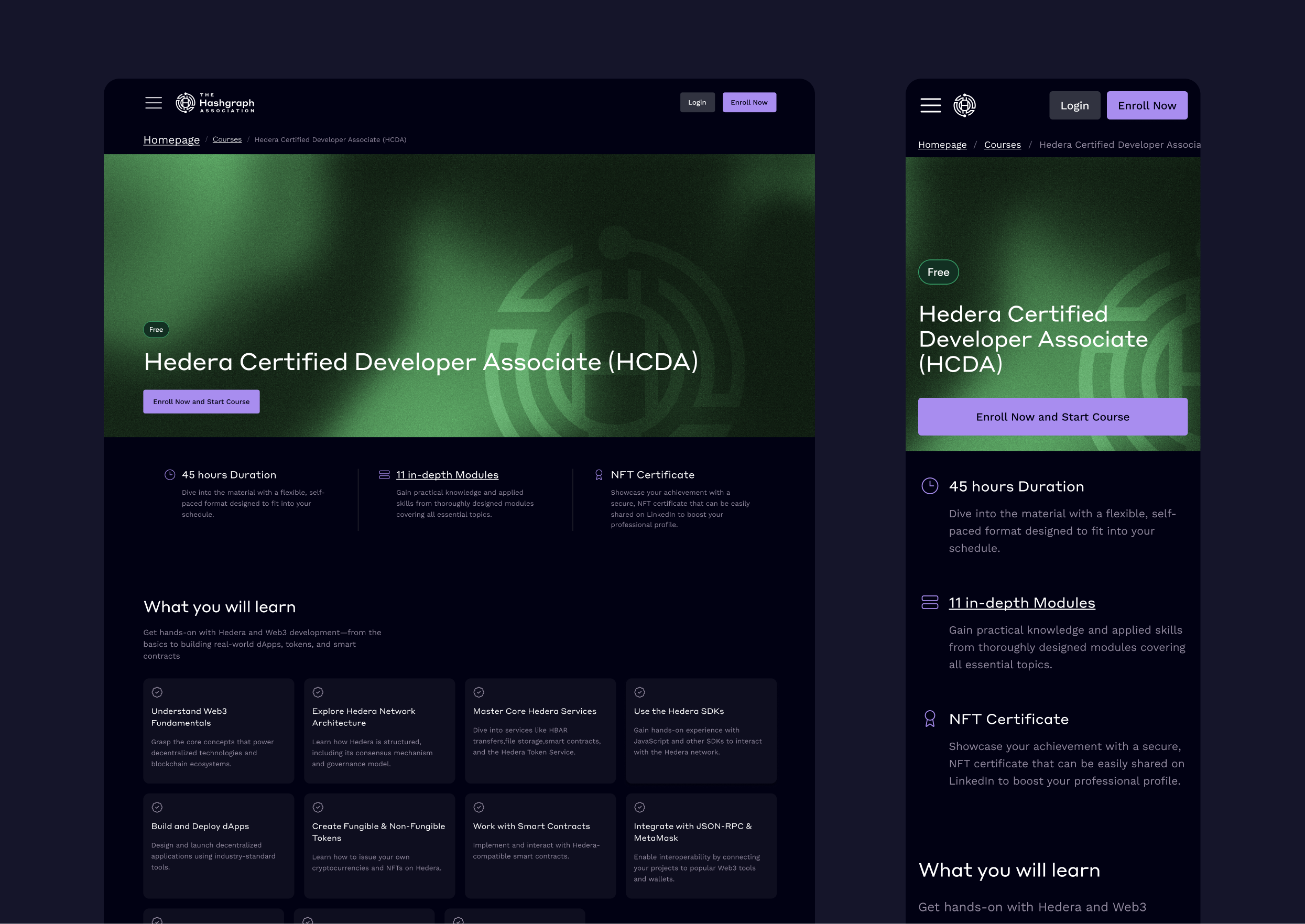
Homepage + key subpages
I designed the homepage with a focus on signup conversion, a clear subpage presenting all courses and learner benefits, and a dedicated section for institutions and organizations interested in cooperation.
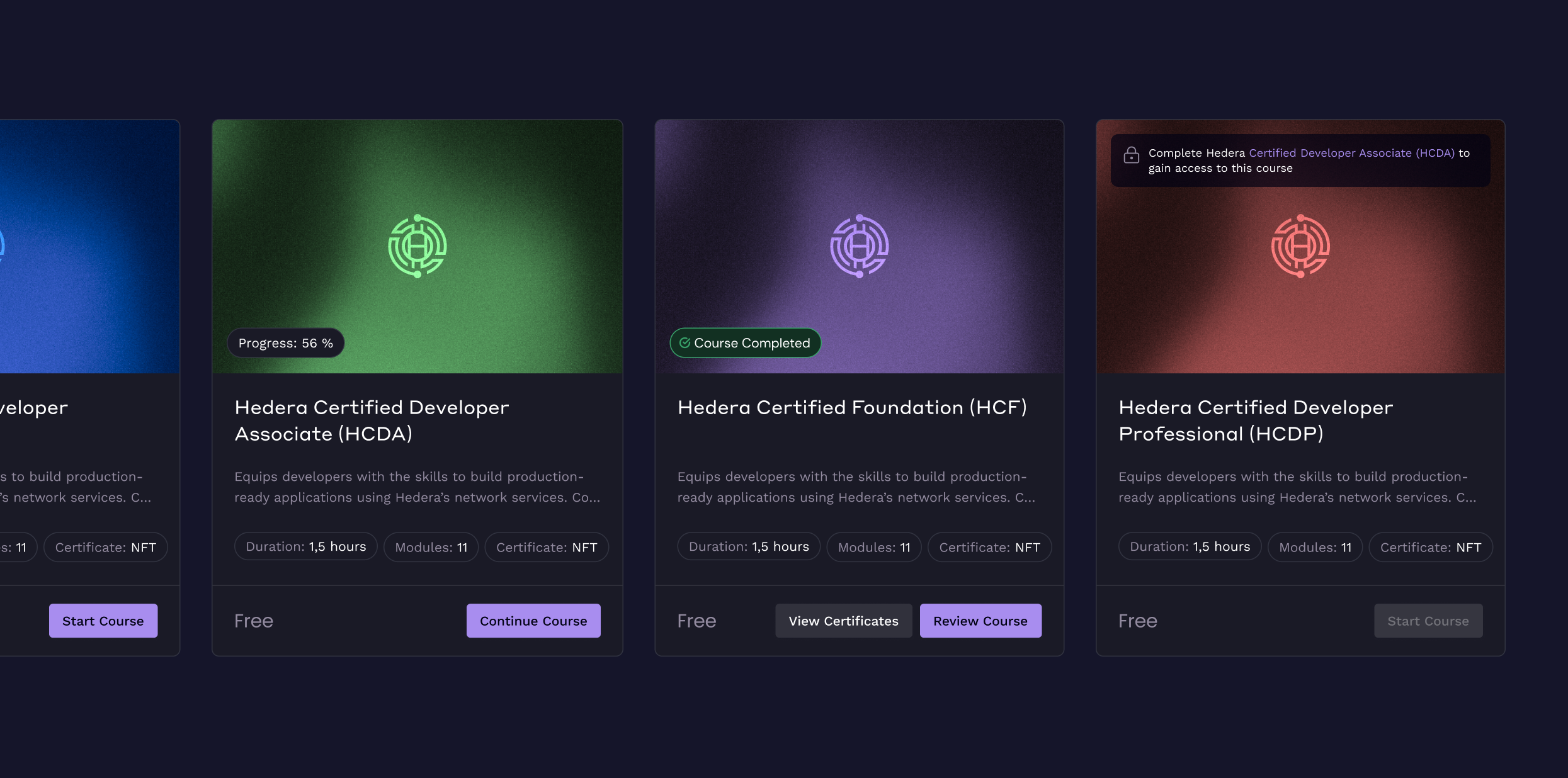
Course card states
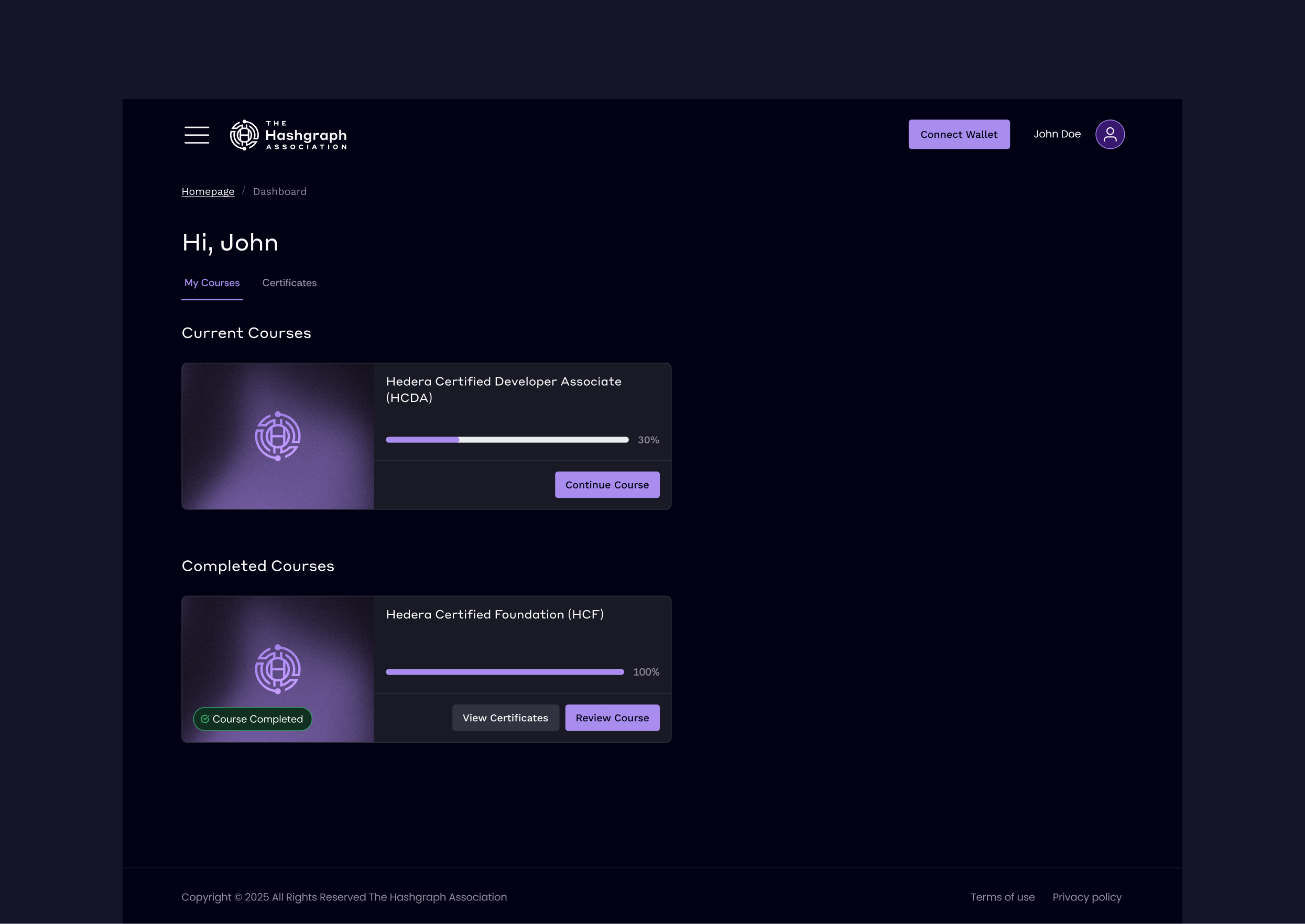
To meet project requirements, I created a hierarchy of course card states for users depending on the actions they take.
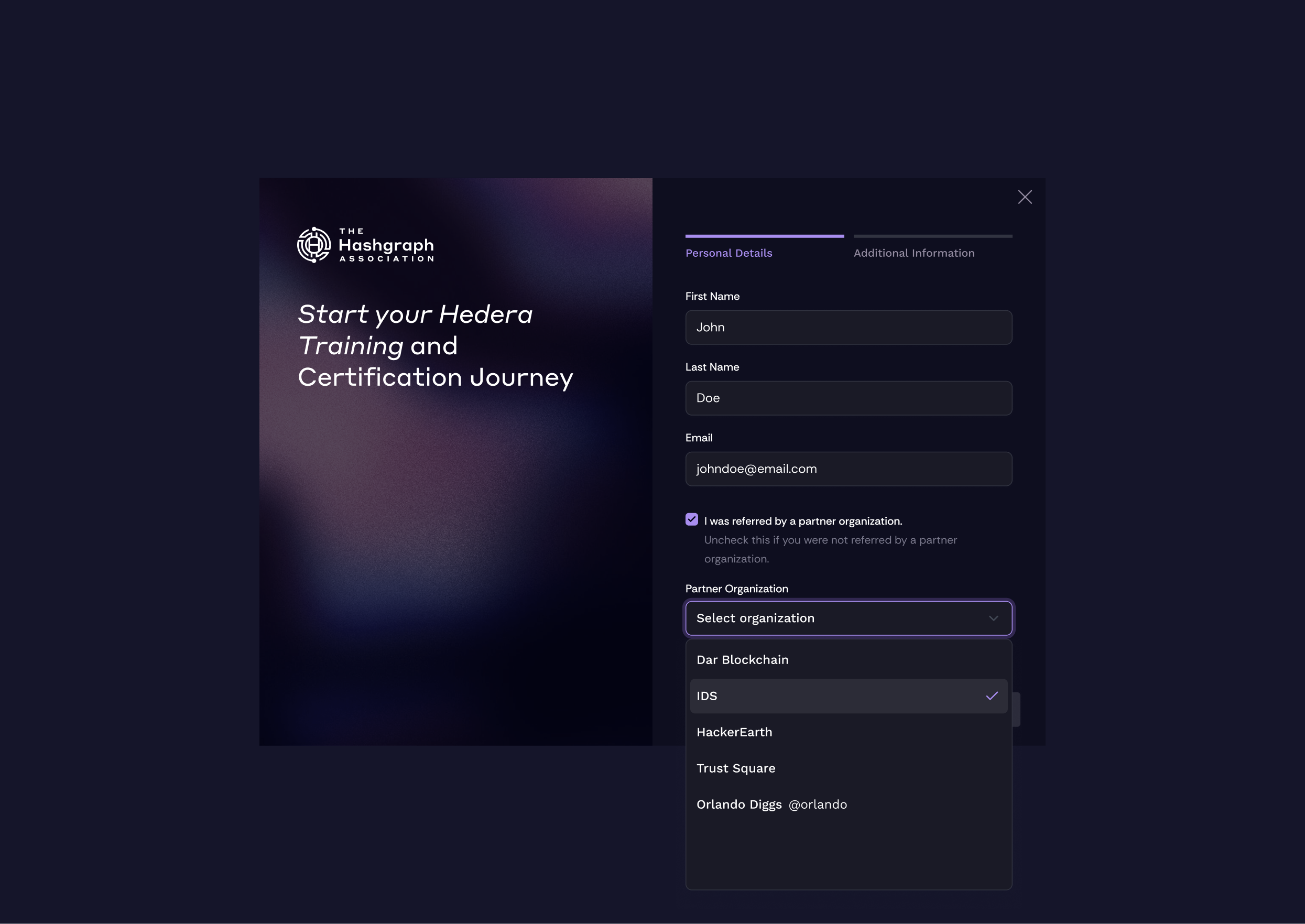
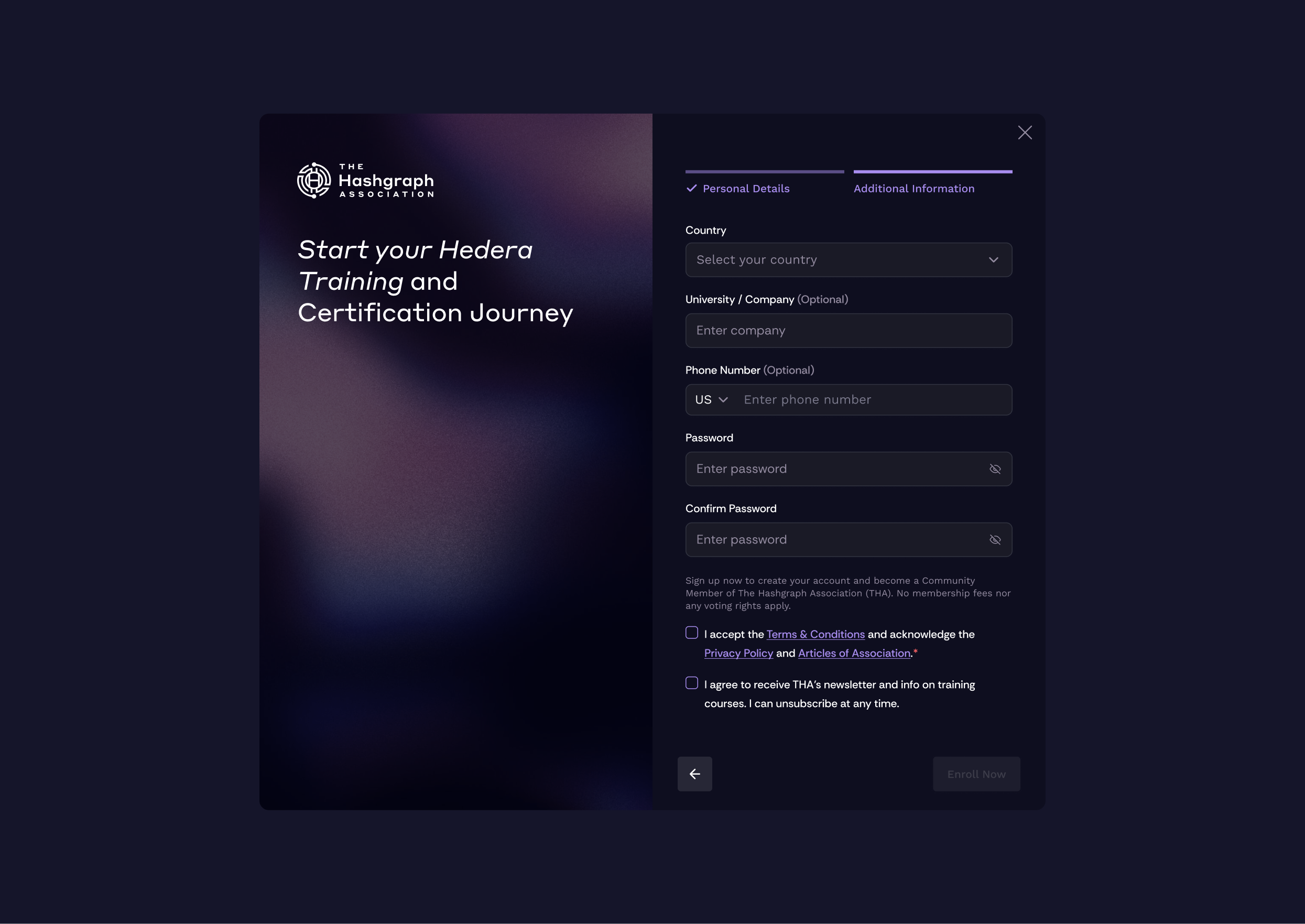
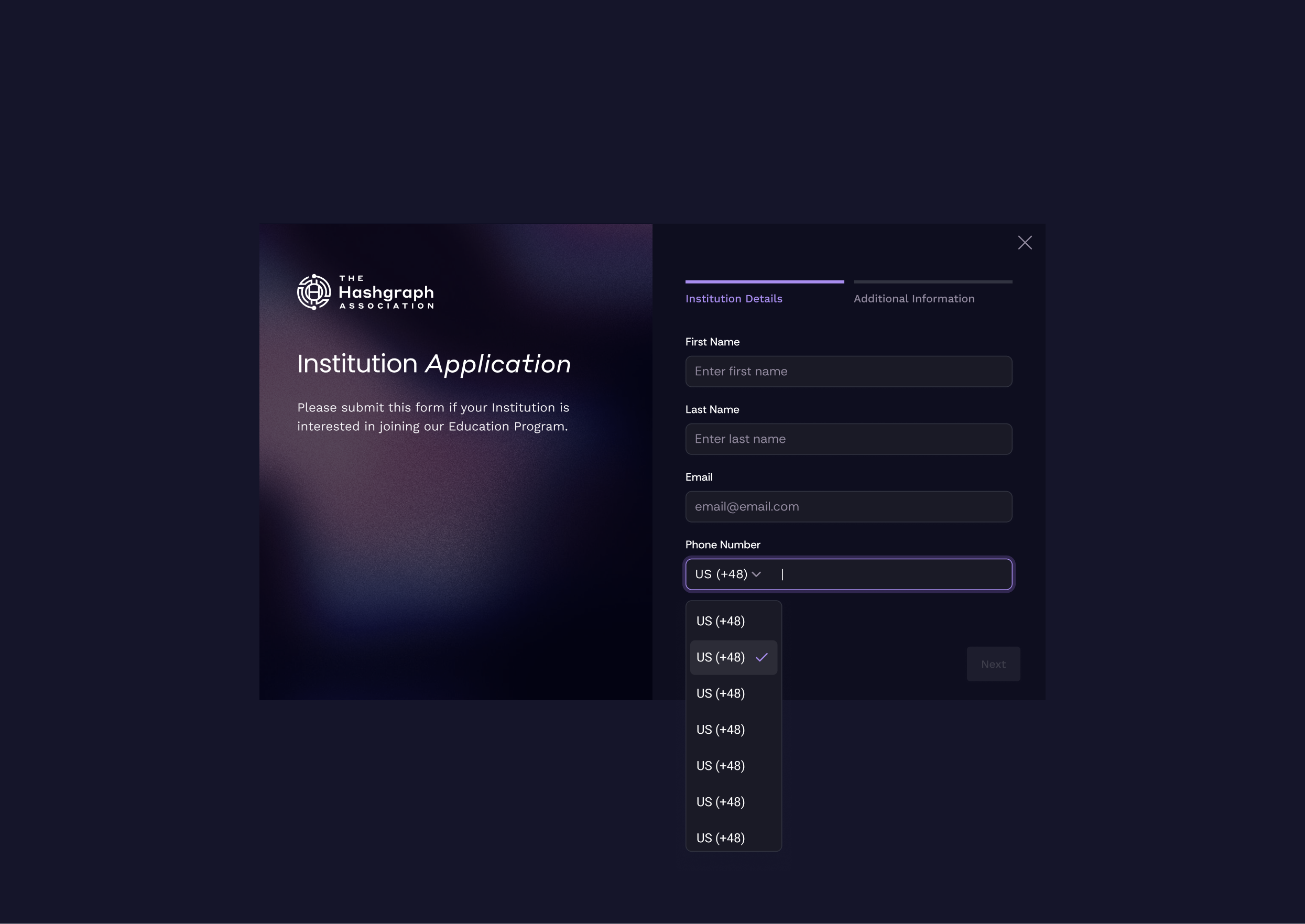
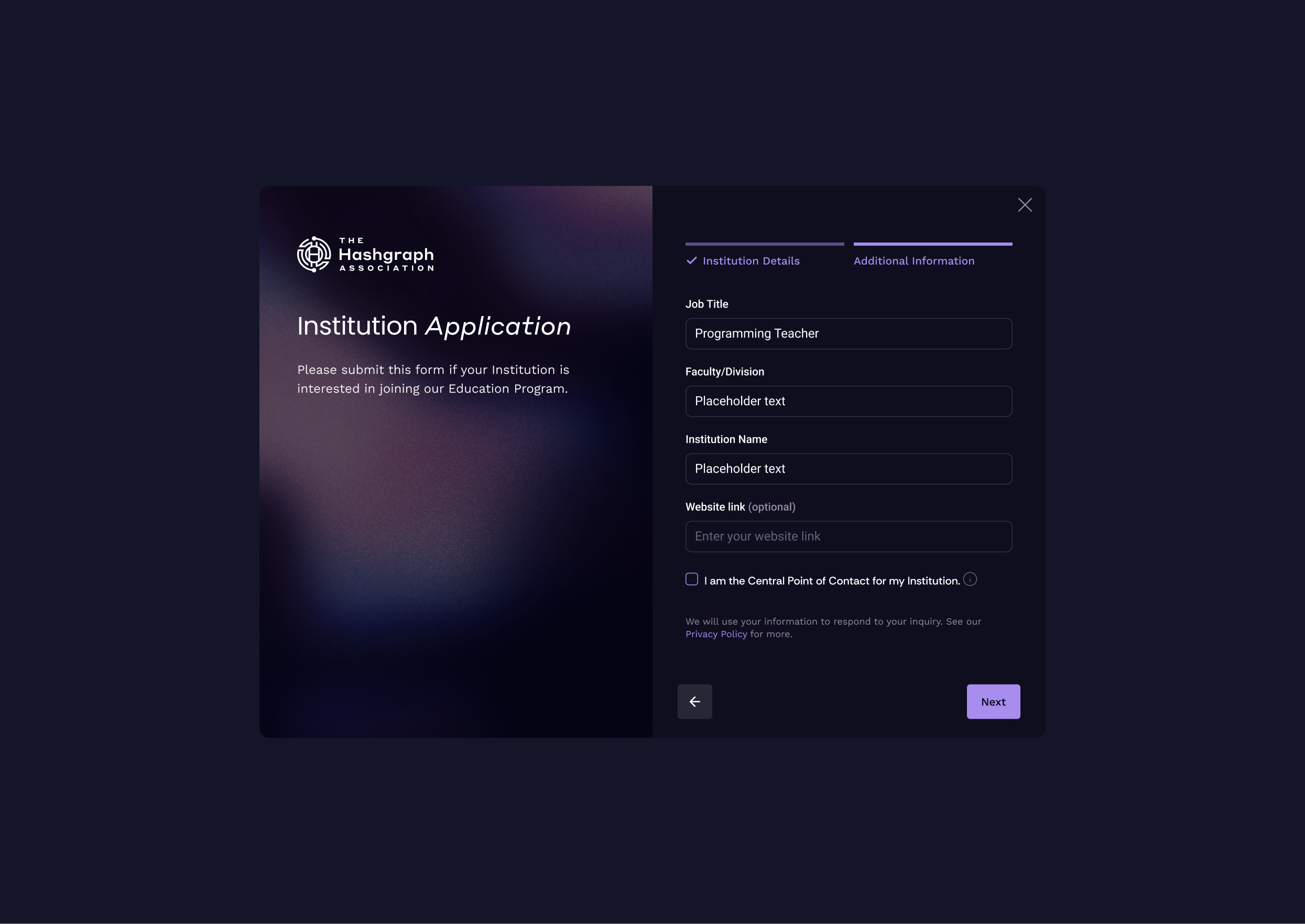
Enrollment for learners and institutions
I designed an intuitive, mobile-optimized enrollment process for both learners and institutions, including support for referral code usage.
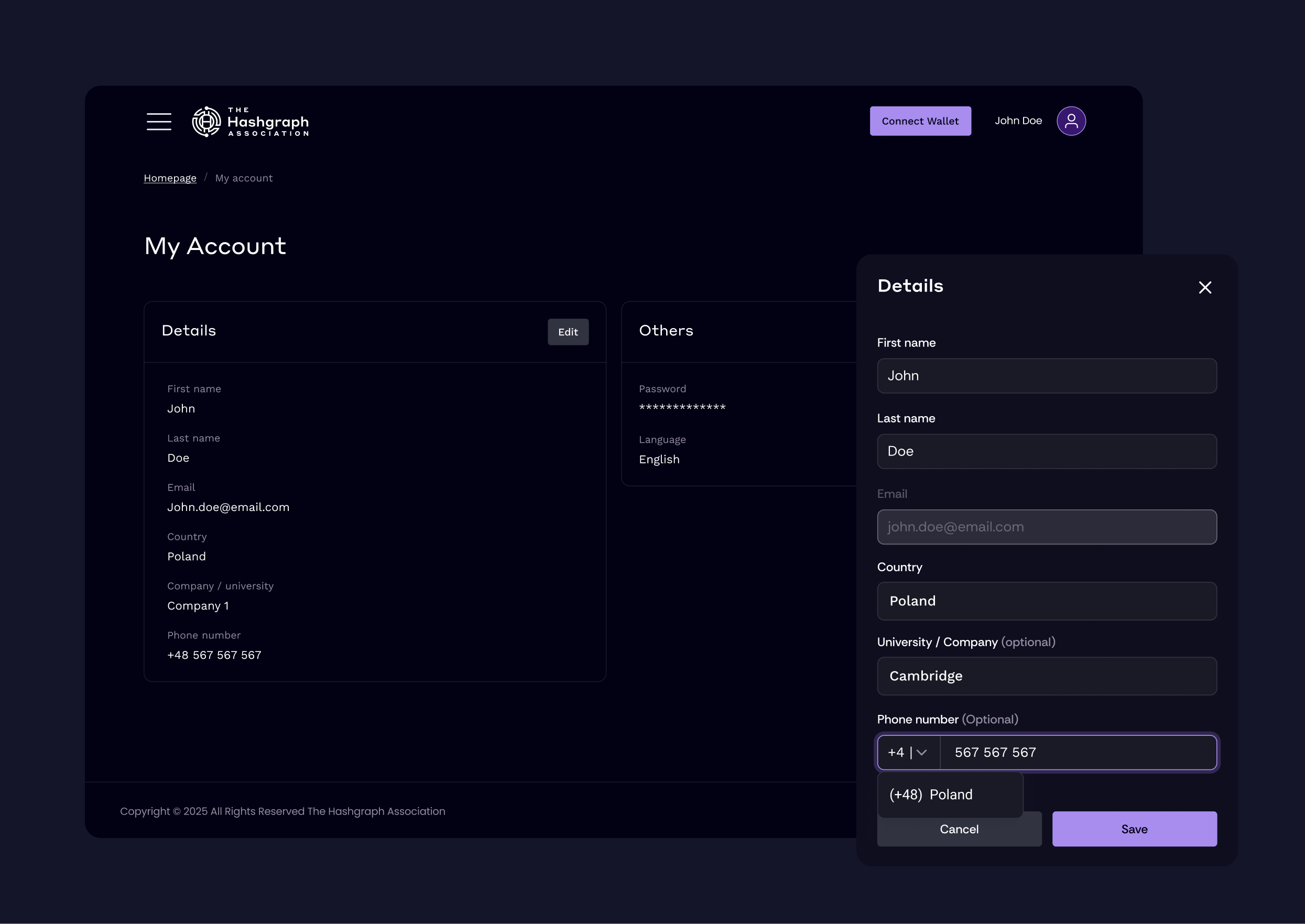
Dashboard and My account
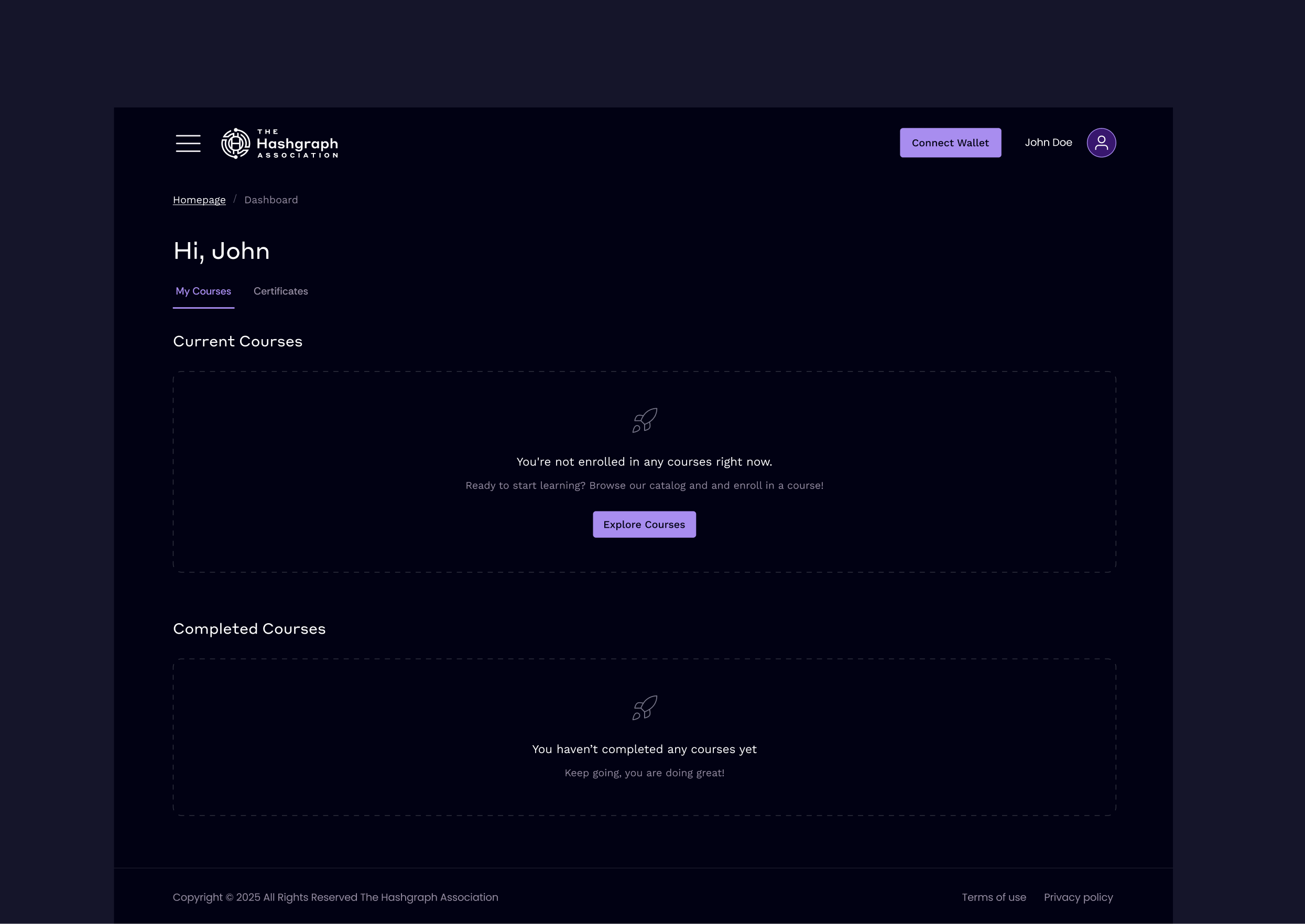
A user space where they can easily manage courses, return to them, mint certificates, and update account settings.
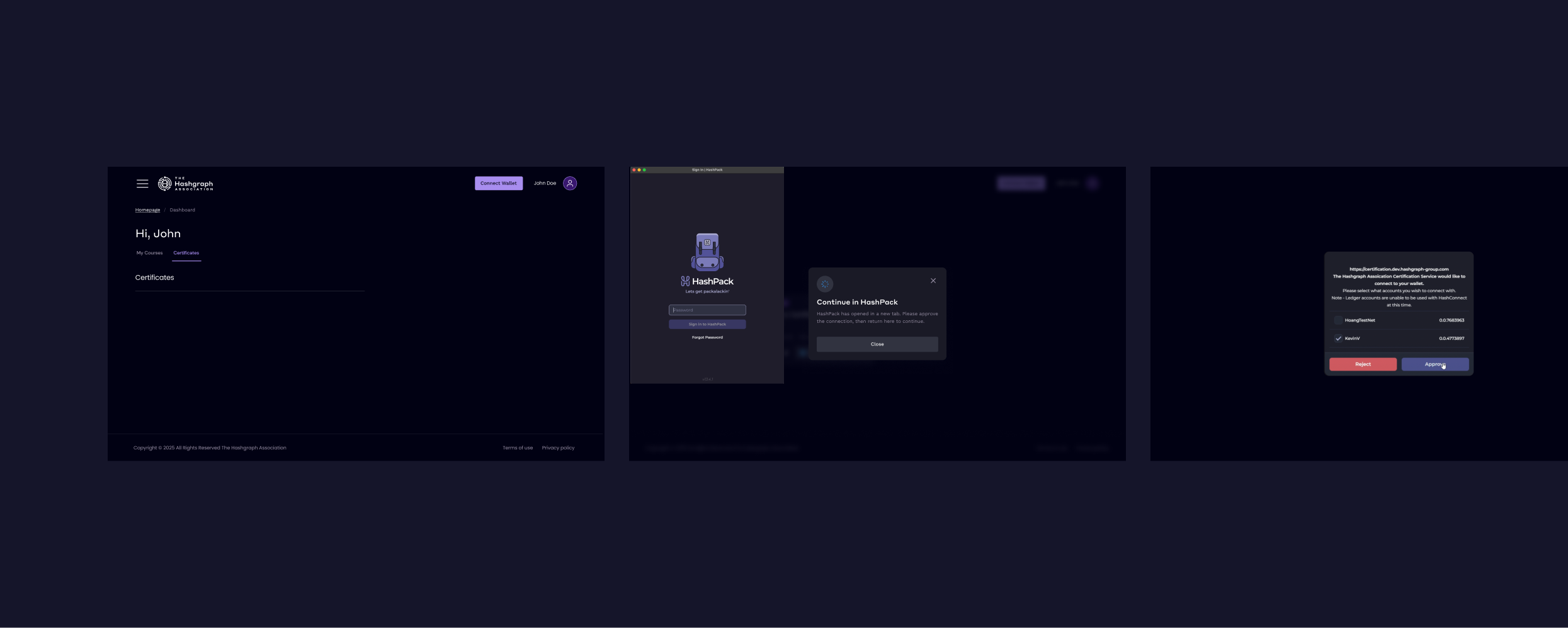
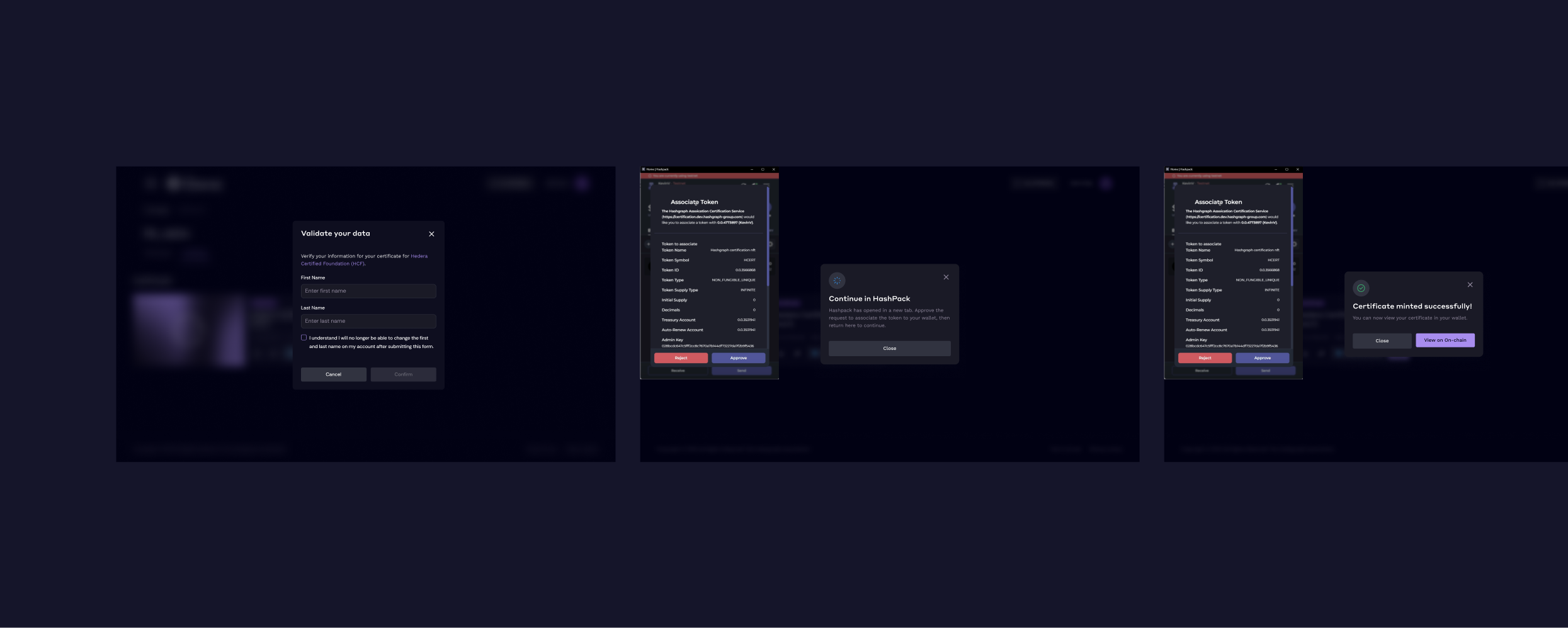
Wallet connection process + NFT certificate minting
The wallet connection process was consulted with the business team and adapted to requirements and technical capabilities.
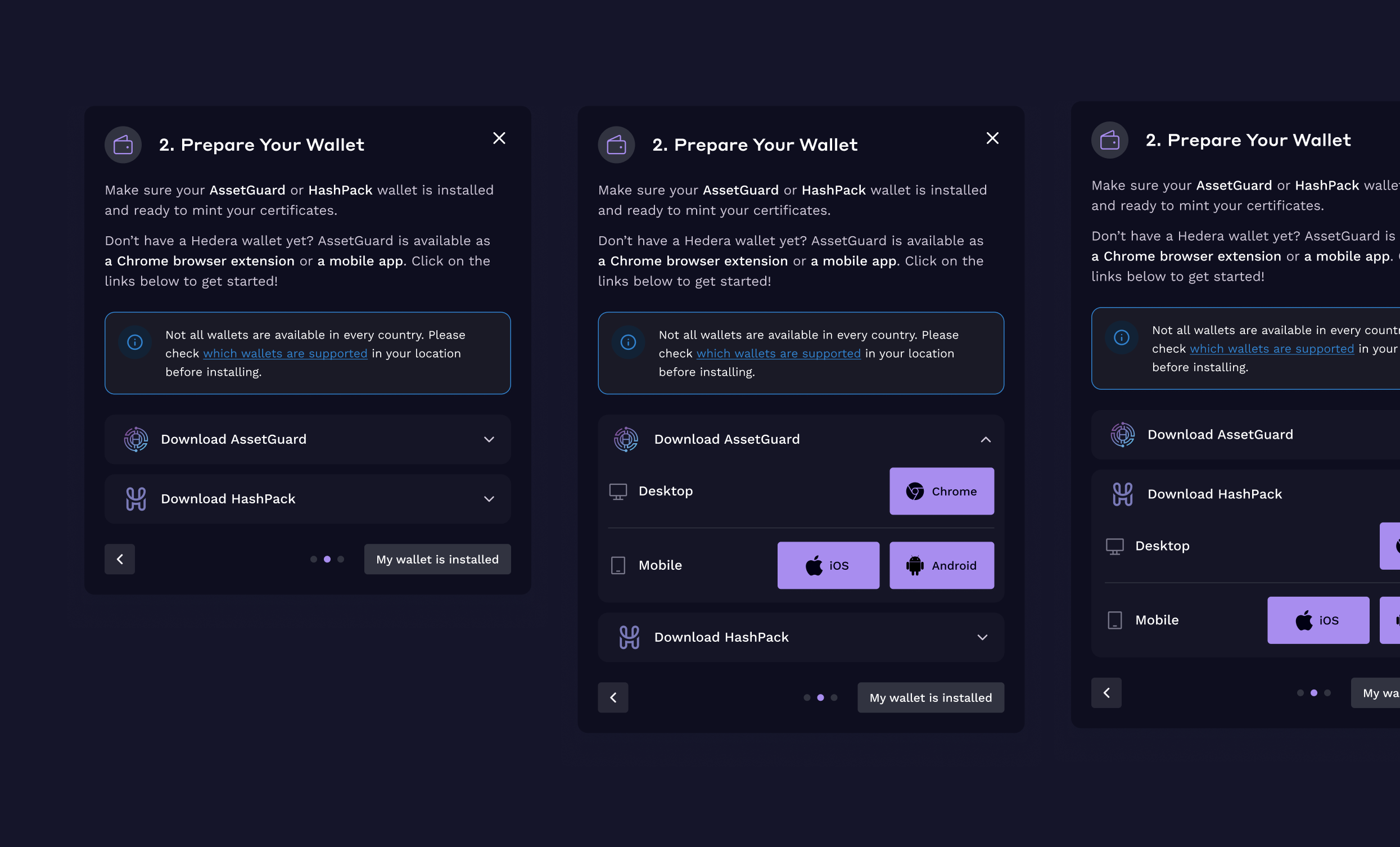
Wizard guide and wallet connection
A popup shown to new users, with the option to return to it. It includes information that one of the supported wallets does not work in some regions, such as parts of Africa.
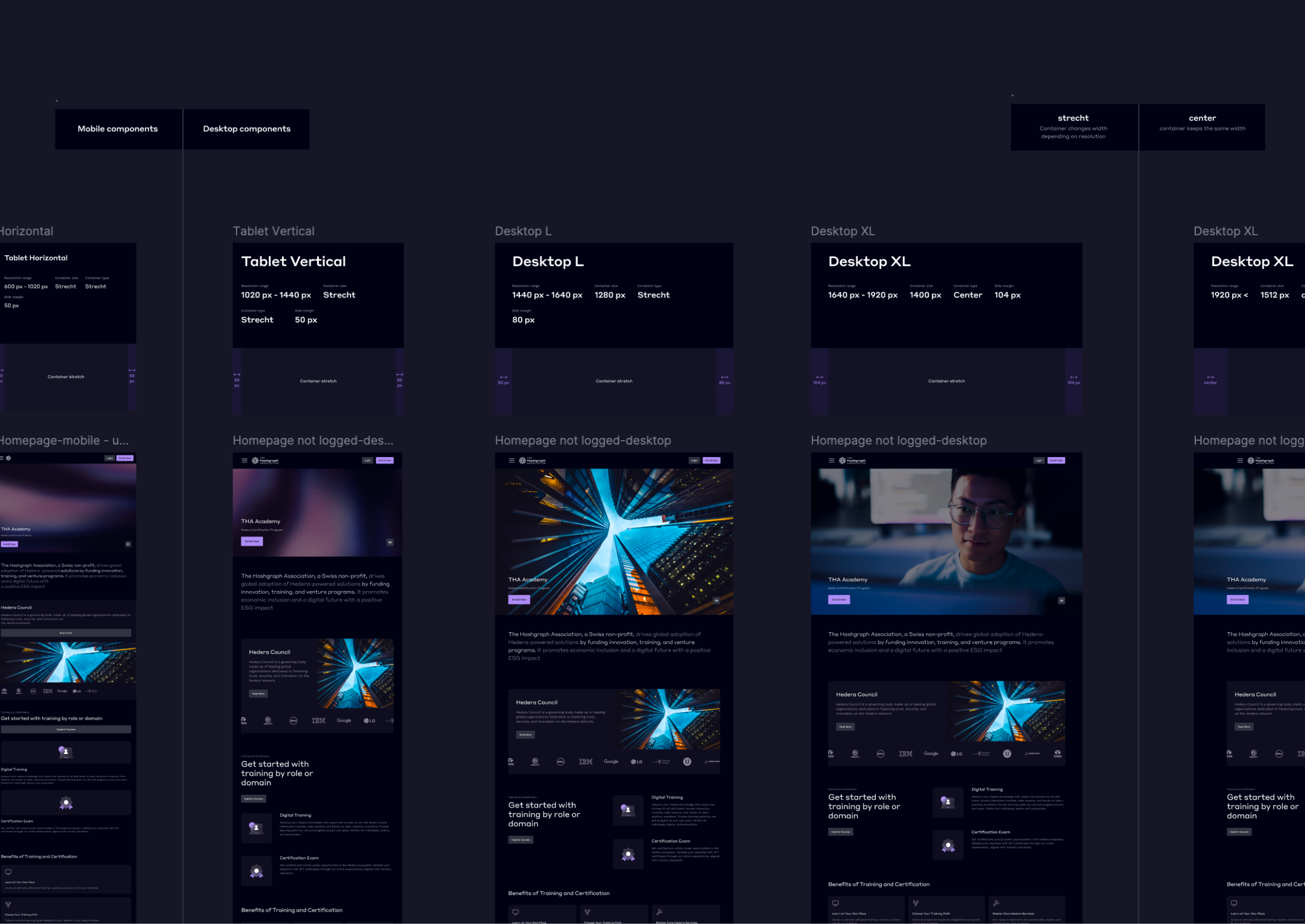
Responsive layout rules
After analyzing GA data and increasing device diversity needs, I created universal responsive layout rules.
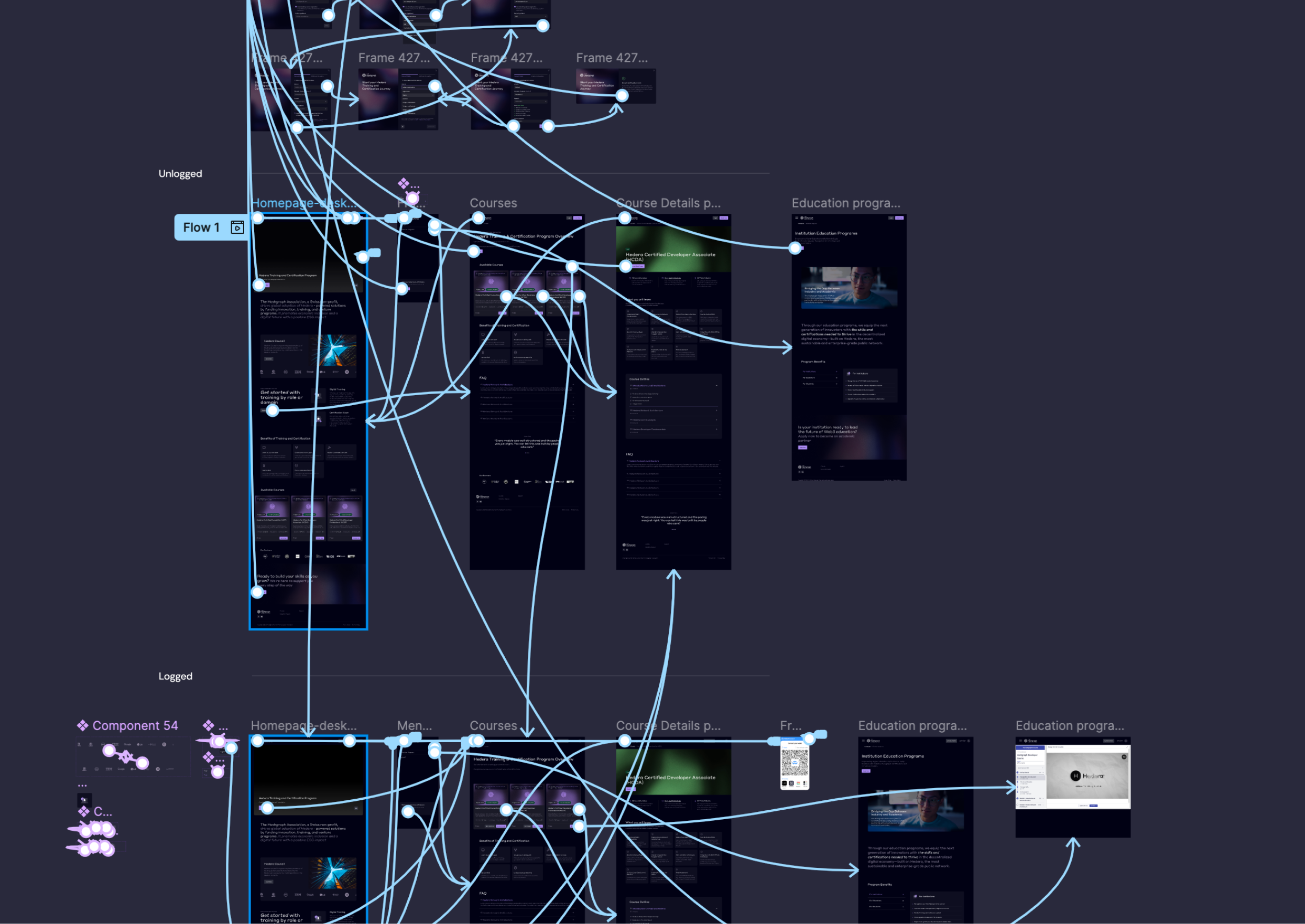
Clickable prototype for business presentations before implementation
I also created clickable prototypes for presentations and quick validation of issues before development work started.
Institution admin panel
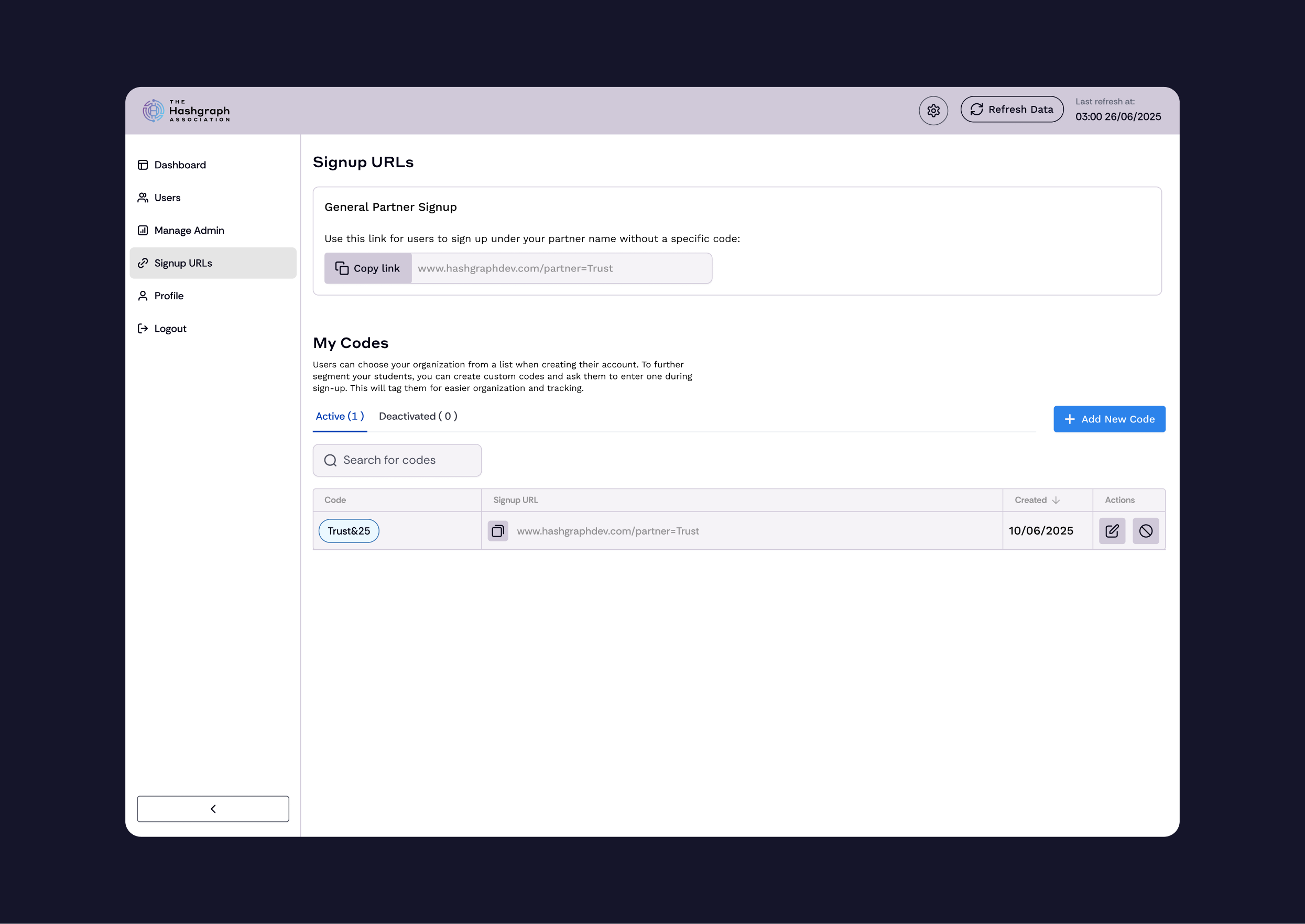
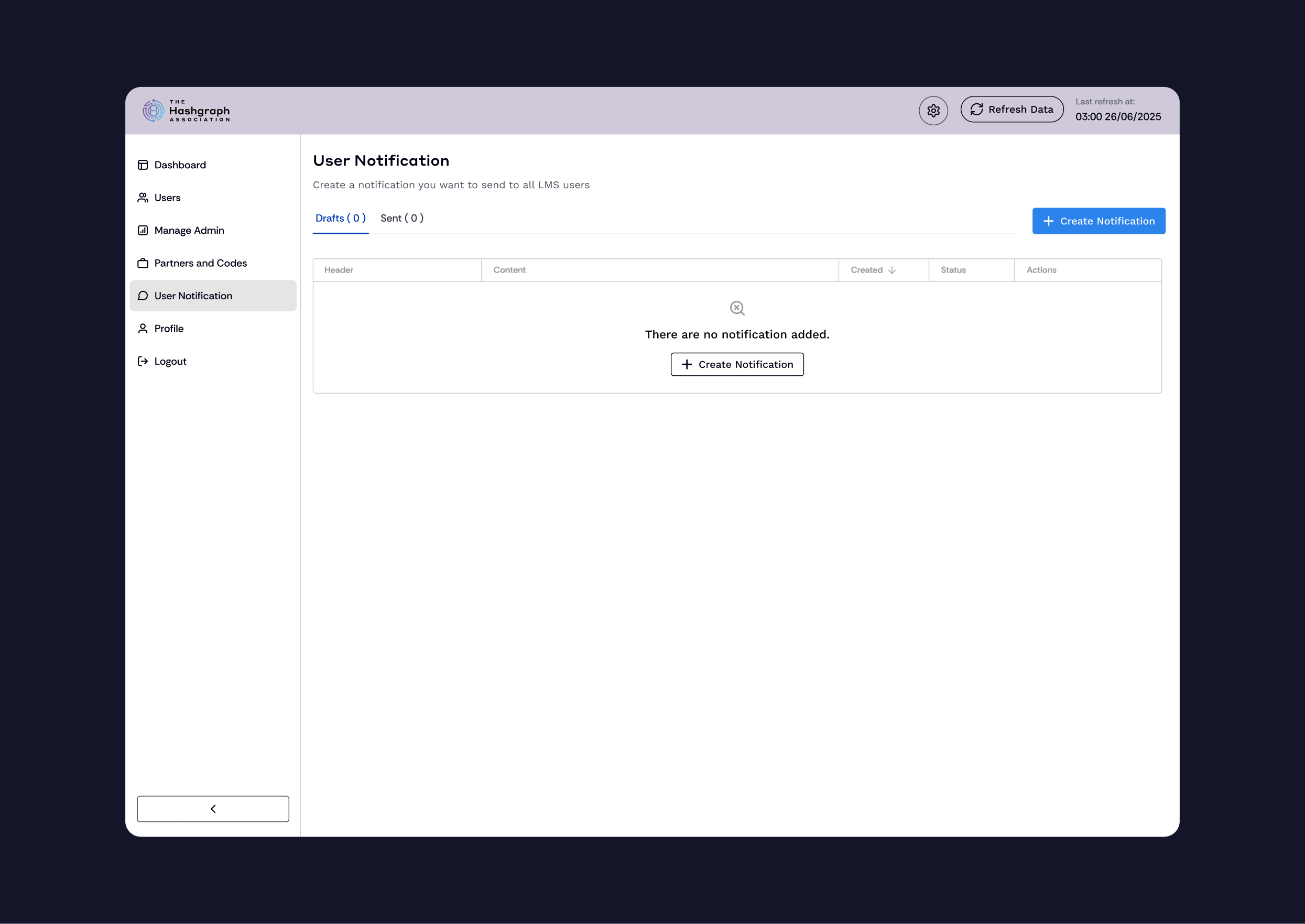
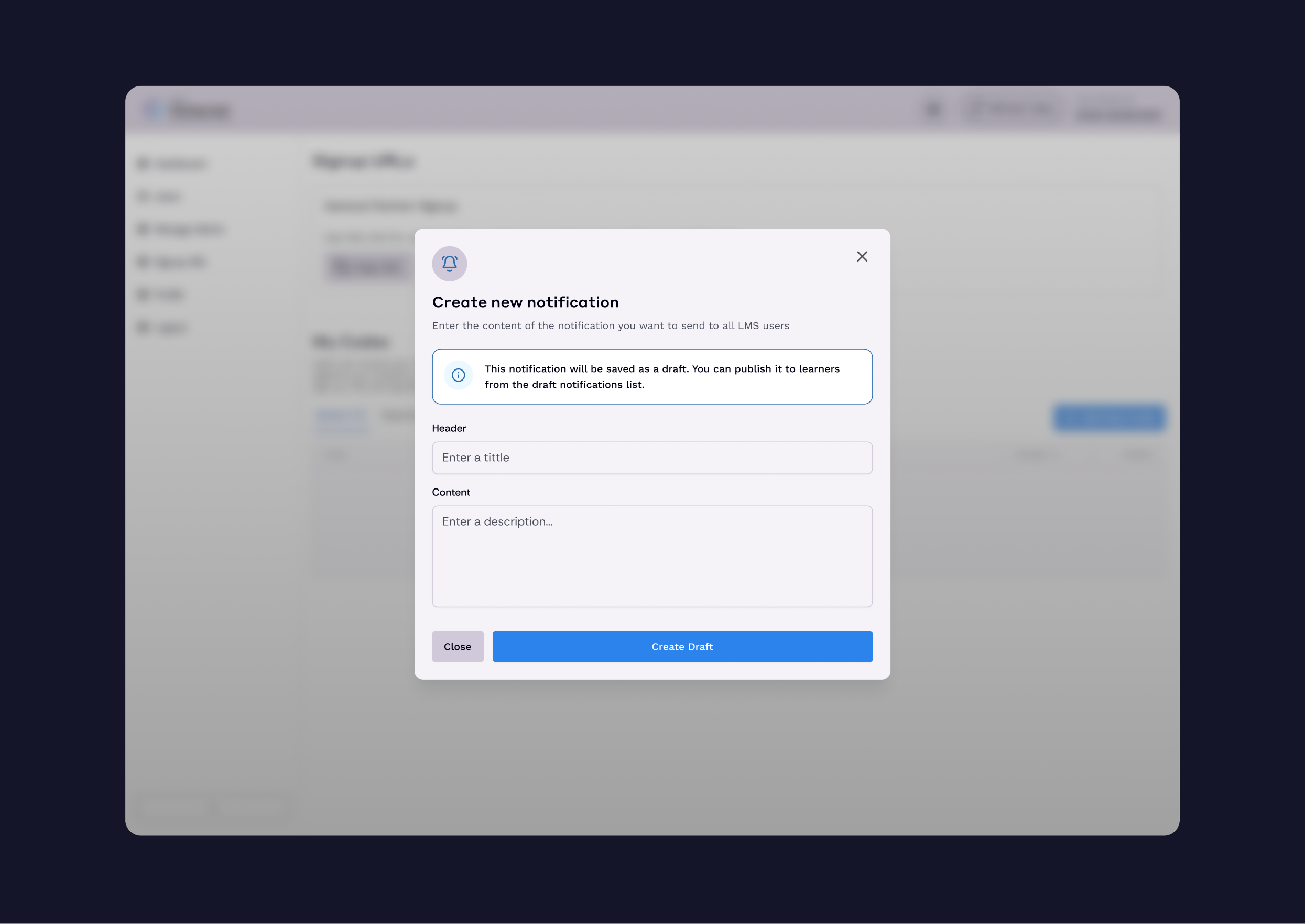
In response to project needs, I also designed selected processes (referral code management and notification creation) for the organization/university admin panel.